An assessment takes a minute to create and saves automatically from then on.
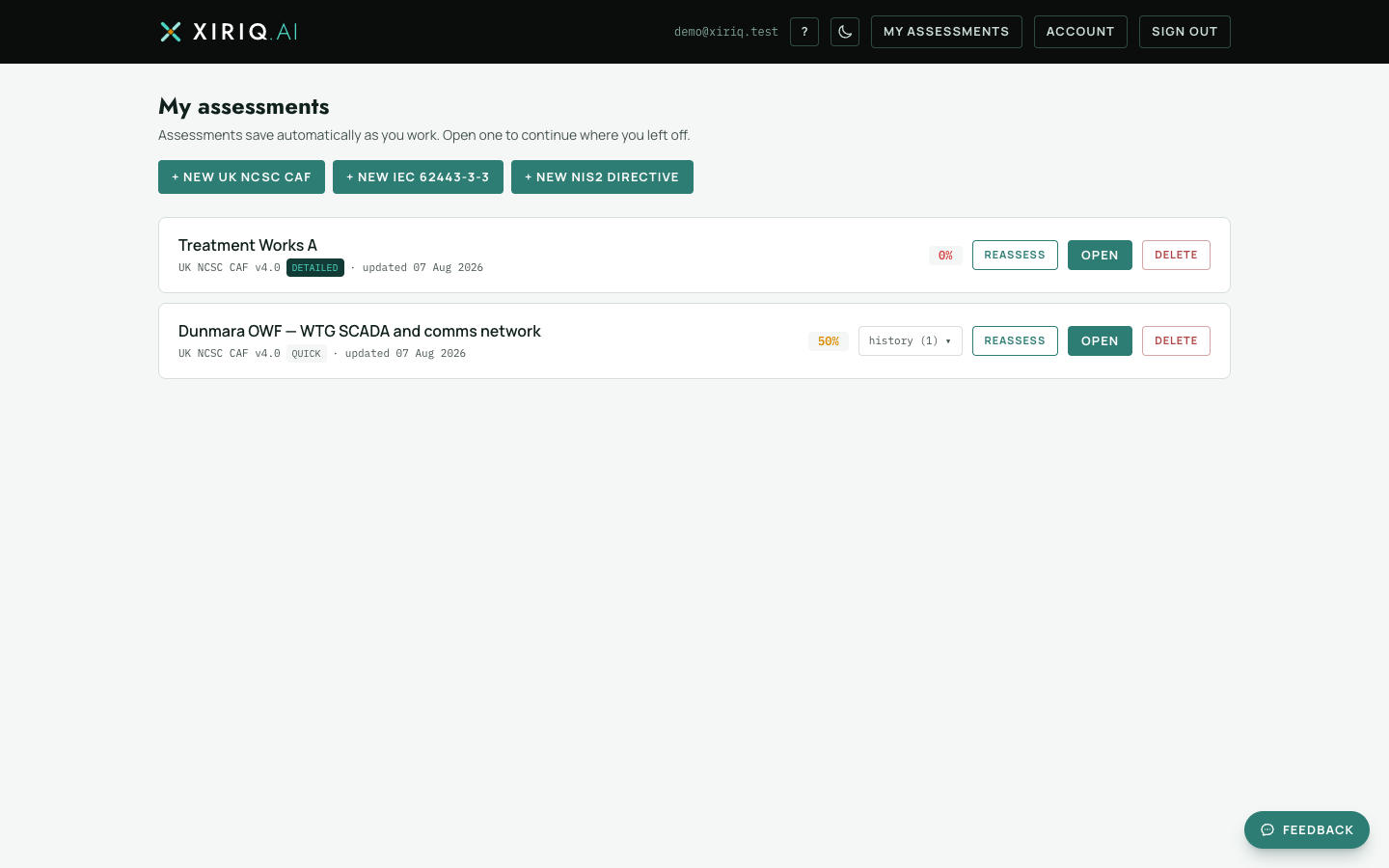
Pick a framework
- Sign in and open My assessments open My assessments .
- Choose a framework button: UK NCSC CAF, NIS2 or IEC 62443-3-3. The assessment opens on its Setup tab.
- The assessment is stamped with the framework version it was created against and keeps rendering that version even if the framework is later updated.
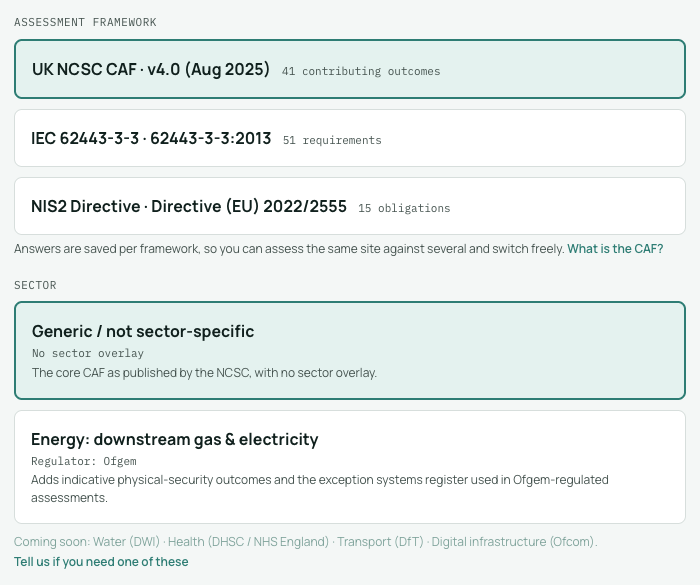
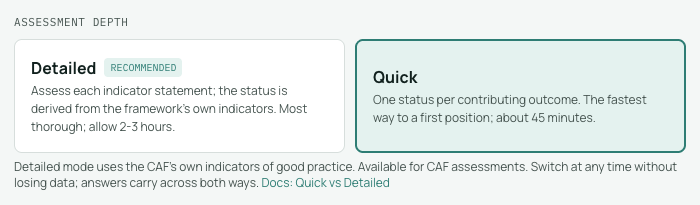
Sector and depth
For CAF assessments, Setup offers a sector. Choosing one (for example Energy) layers sector-specific interpretation and outcomes over the core framework; leaving it as sector-agnostic keeps the plain CAF. Setup is also where you choose Quick or Detailed depth, and a CAF target profile if one applies to you. IEC 62443 assessments set an SL-T instead, which scopes the requirement list.
Describe the scope
Record the organisation, the site or system under assessment, the assessor and a scope note. The site name becomes the assessment title, and the scope note appears in the report so a reader knows what was and was not covered. None of these fields block you: you can start answering immediately and return to Setup at any time.