Accounts are simple: an email address, a password, and a verified inbox.
Signing in
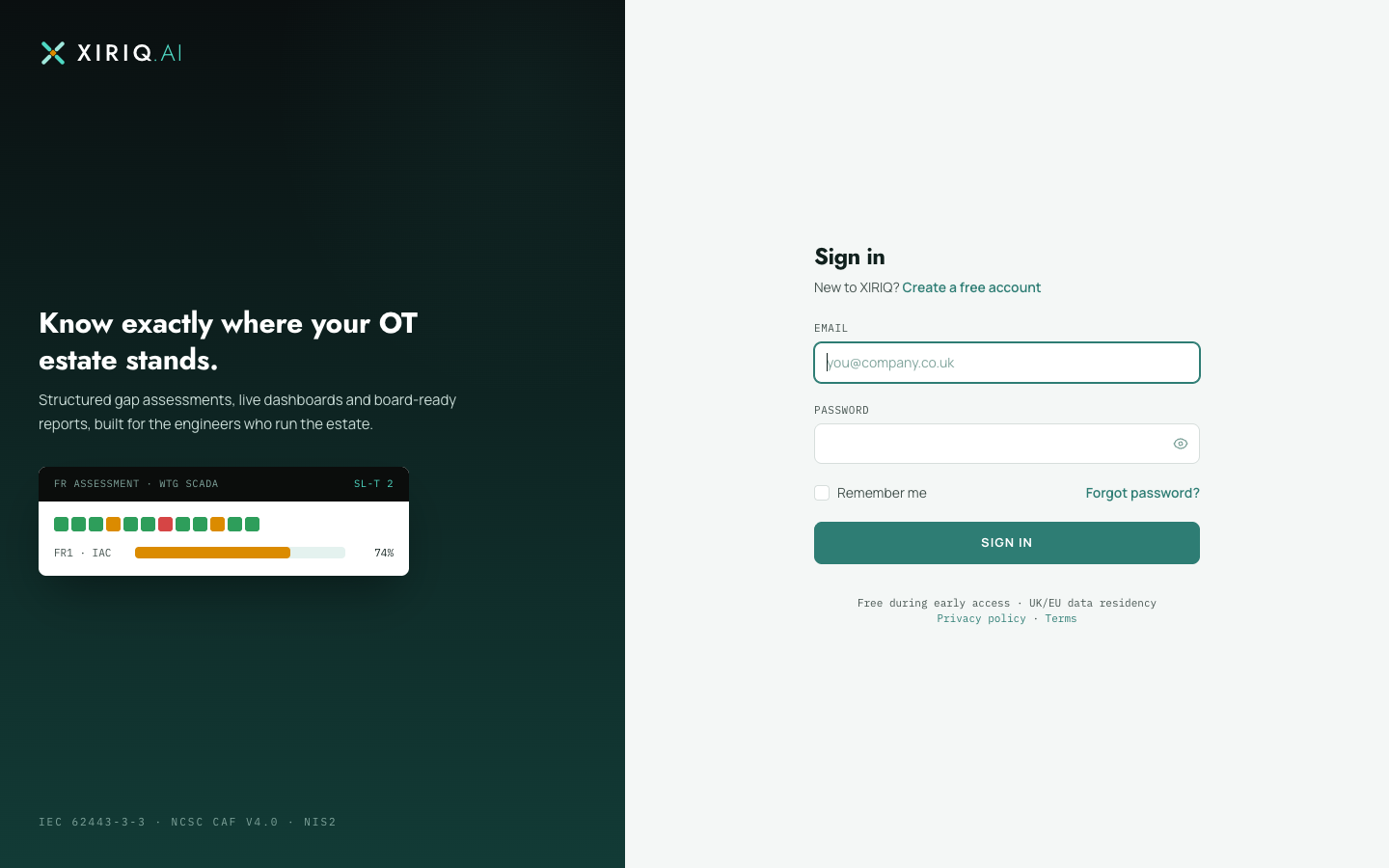
- Register with your email and a password, then follow the verification link we email you. Assessments are available once the address is verified.
- Sign in from the site header. Forgotten passwords are reset by email link.
Changing your email
- Open Account from the app header open Account .
- Change the email address in profile information and save.
- The new address must be verified before you can continue working, so follow the fresh verification link we send. This stops a mistyped address from locking your account to an inbox you do not own.
Changing your password
On the same Account page, the password section asks for your current password and the new one twice. Sessions on other devices are not signed out automatically, so if you are changing the password because you suspect compromise, also sign out anywhere else you are signed in.