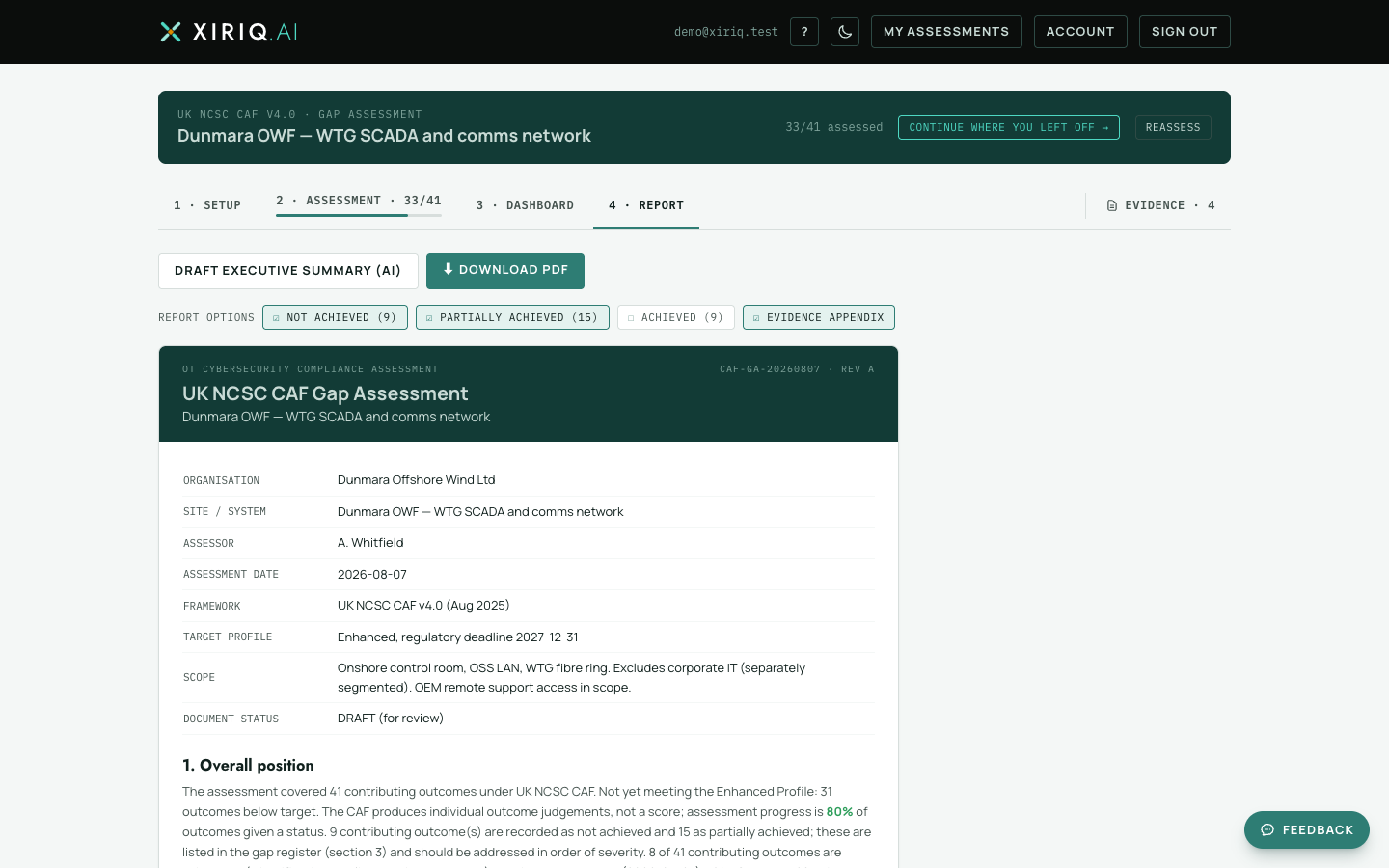
Two kinds of option control what the report includes. Both live on the Report tab and both apply to the PDF as well as the screen.
Register filters
Choose which statuses the gap register lists. The default is gaps and partials, which makes the register a remediation list. Include implemented or achieved items too when you want a full inventory, for example for an internal audit pack; leave them out to keep the report focused on what needs attention. The distribution and principle summary always cover everything regardless of this filter, so the headline picture is never narrowed by it.
The evidence appendix
The evidence register appendix is on by default and can be toggled off for a shorter report. With it on, every evidence record appears with its citation detail and linked outcomes, so a reviewer can trace each judgement to the documents behind it. With it off, evidence references still appear beside individual register entries; only the full appendix table is dropped.